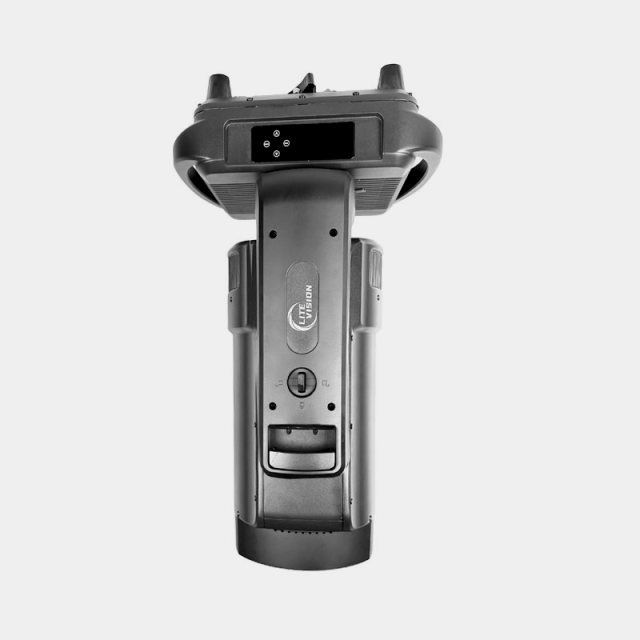
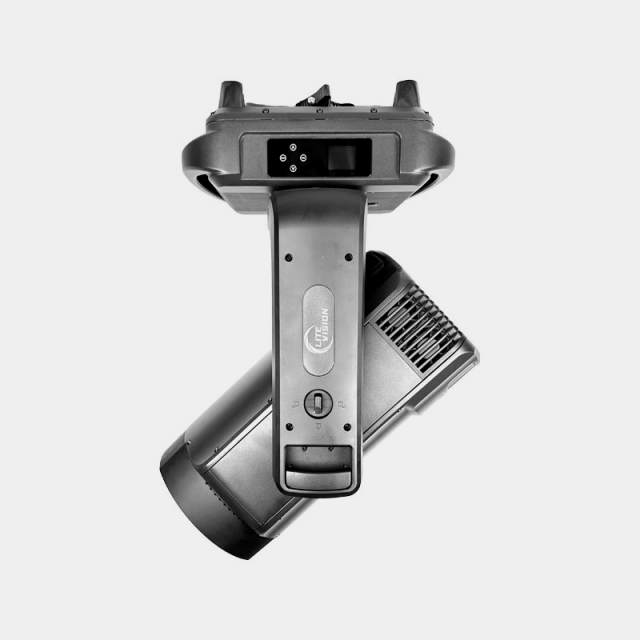
Product Overview
A 260W laser module, IP66 protection and a 0.6–28° optical range equip the Archi BSW260Laser Outdoor Beam Spot Wash for tightly defined beams, wider projections and diffused scenic color. Light and heavy frost can be superimposed, while two prism wheels provide eight effects with bidirectional rotation and superposition for layered beams. CMY continuous color mixing, 19 fixed colors plus white, 12 rotating gobos and 35 fixed gobos give designers options for gradual color transitions, animated textures and held patterns. DMX512 control, RDM and selectable 22CH or 27CH modes support programming, with 0–100% linear dimming and 1–25Hz strobe effects adding control over fades, blackouts and rhythmic accents.
Optical Effects
- A 0.6-28° optical range lets a beam moving head light cue move from a tightly defined shaft toward a wider projection. Designers can change the scale of an effect within a programmed sequence rather than keep every look at a fixed angle.
- Light frost and heavy frost provide different degrees of diffusion, and both can be superimposed.
- These options let a moving head wash light cue soften its edges for atmospheric transitions or broader scenic color.
- Two prism wheels provide 8 prism effects, with superposition for multi-layer beams, rotation in both directions and prism role.
- LITEVISION develops this combination as a bsw moving head light manufacturer for designers who need both moving textures and deliberately held prism looks.
- 0-100% linear dimming controls intensity through fades and blackouts.
- Build intensity changes into the cue rather than relying on color or movement alone to change the visual emphasis.
- 1-25Hz fast strobe is accompanied by pulse, synchronized and random effects, with slow, medium and fast selections.
- These modes support different rhythmic treatments, from isolated accents to energetic sequences.
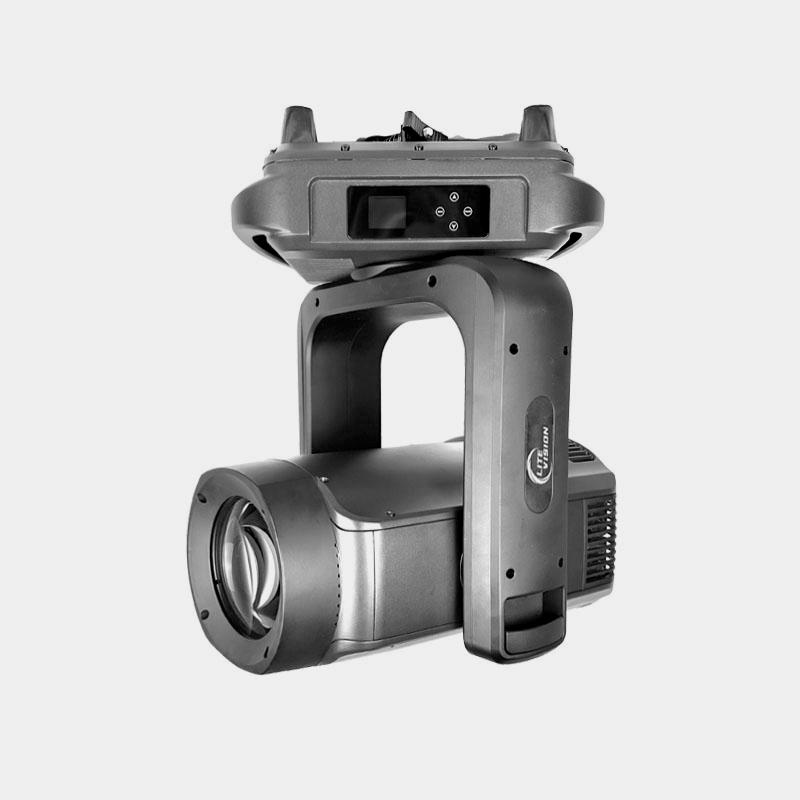
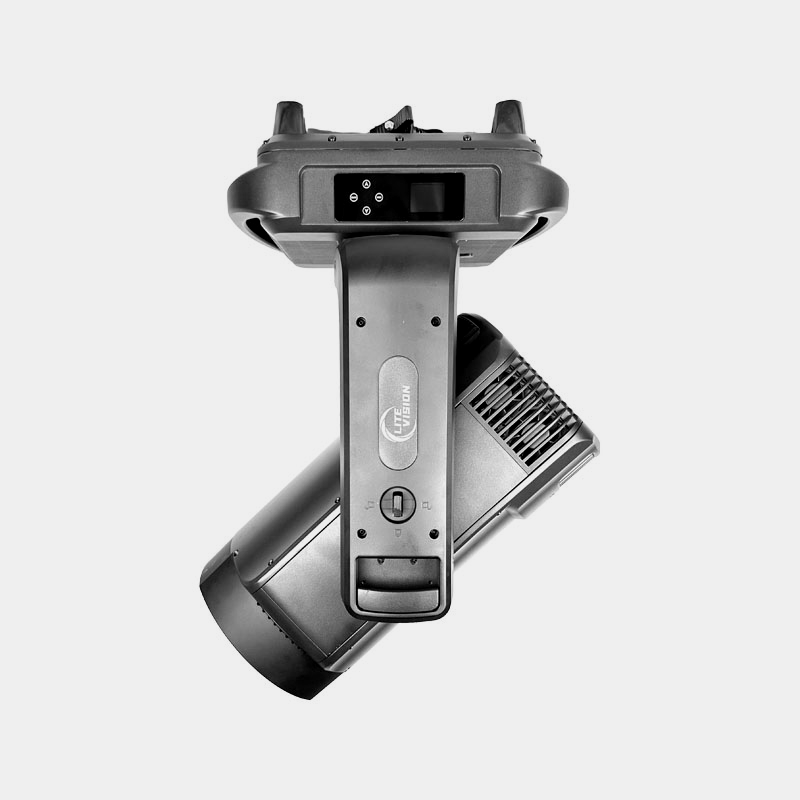
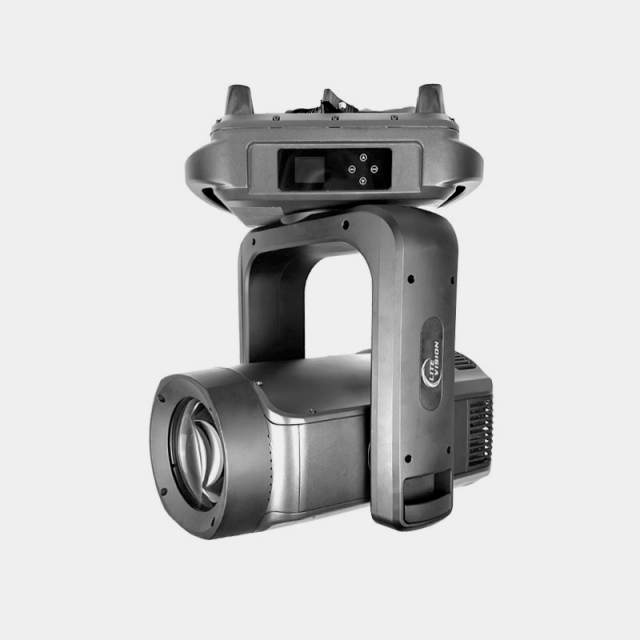
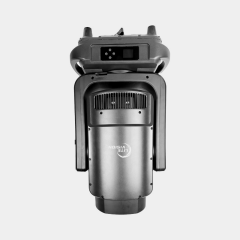
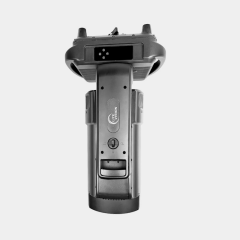
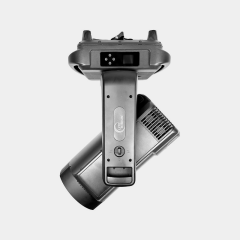
- A large front lens gives this moving head laser light a prominent optical face within its pivoting yoke.
- Allow an unobstructed projection path so scenery and nearby equipment do not cut into the programmed effect.
Electrical & Physical Specifications
| Property | Value |
|---|
| Fixture category | outdoor moving head light |
| Light source | 260W laser module |
| Rated fixture power | 350W |
| Rated voltage and frequency | AC100~240V/50~60Hz |
| Color temperature | 6500K |
| Protection rating | IP66 |
| Working environment | -10 °C- 65 °C |
| Dimensions | 397.5 mm280 mm693 mm |
| Net weight | 31 kg |
| Gross weight | 35 kg |
Color & Gobo System
CMY continuous color mixing gives programmers control over intermediate hues and gradual color transitions. Build palettes around the scenic design, then adjust individual cues without being limited to a fixed set of wheel colors.
A color wheel adds 19 fixed colors plus white. Bidirectional rotating rainbow effects provide animated color changes, while selectable role lets a cue hold a chosen wheel position.
The rotating pattern wheel carries 12 GOBOs plus an open white position. Replaceable patterns, gobo shake and selectable role support animated textures as well as deliberately held images. Rotation adds movement within the projected pattern without requiring the whole fixture to sweep across the stage.
The fixed pattern wheel carries 35 GOBOs plus an open white position. Gobo shake, forward and reverse scrolling, and selectable role expand the available pattern vocabulary for scenery, backdrops and aerial textures.
For a moving head spot light cue, the relationship between the pattern and the scenery deserves its own rehearsal time. Check the image at the actual projection angle, especially when the target is a sloping set piece or an off-center scenic surface.
Replacement artwork must match the optical assembly rather than simply resemble the original pattern. LITEVISION, your bsw moving head light manufacturer, recommends checking gobo dimensions, thickness, material and orientation against the operating instructions before changing patterns; replaceability alone does not establish that a particular custom gobo will fit.
Movement & Control
| Property | Value |
|---|
| Control category | dmx moving head light |
| Lighting control protocol | DMX512 |
| Remote device management protocol | RDM |
| Selectable channel modes | 22CH / 27CH |
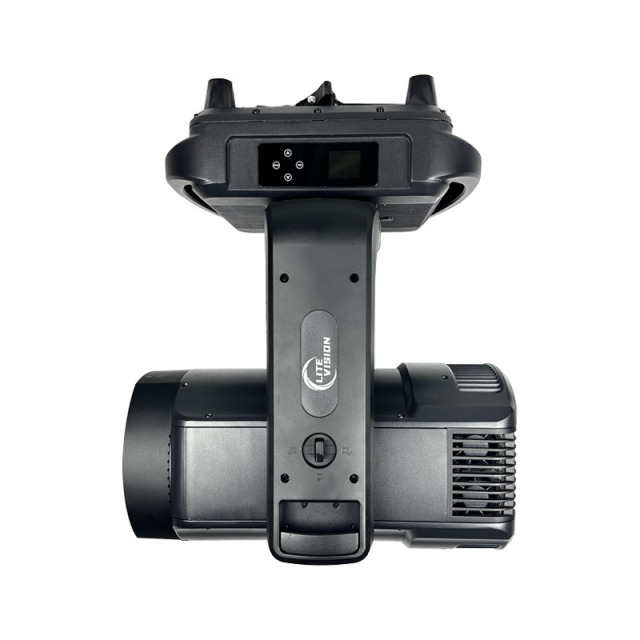
| Local display | LCD for viewing fixture settings |
| Local controls | 4 touch buttons for menu operation |
| Horizontal scanning range | 0–540° pan travel |
| Horizontal role resolution | 16-bit precision |
| Vertical scanning range | 0–270° tilt travel |
| Vertical role resolution | 16-bit precision |
| Continuous horizontal movement | Supported on the horizontal axis |
| Continuous vertical movement | Supported on the vertical axis |
| Position correction | Automatic correction when the X-axis or Y-axis moves out of step |
Installation & Commissioning
- Plan the outdoor moving head light installation around the permitted mounting orientation, site exposure and access for servicing.
- Obtain the mounting drawing before committing to a support arrangement; approved orientations, brackets and attachment points need to match the actual installation.
- Have a competent installer specify the supporting structure, fixture clamps and independent secondary retention.
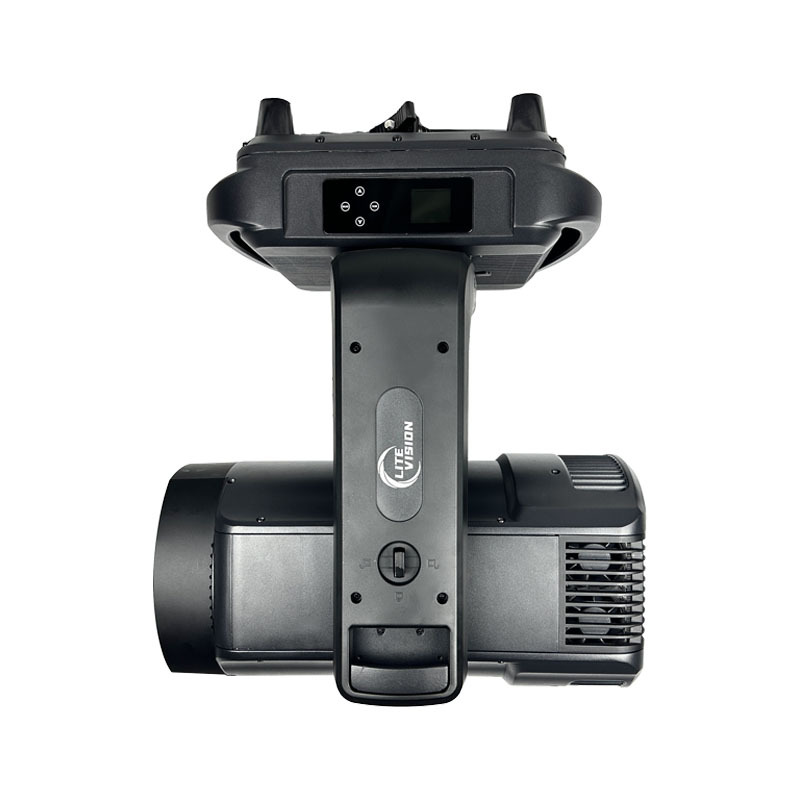
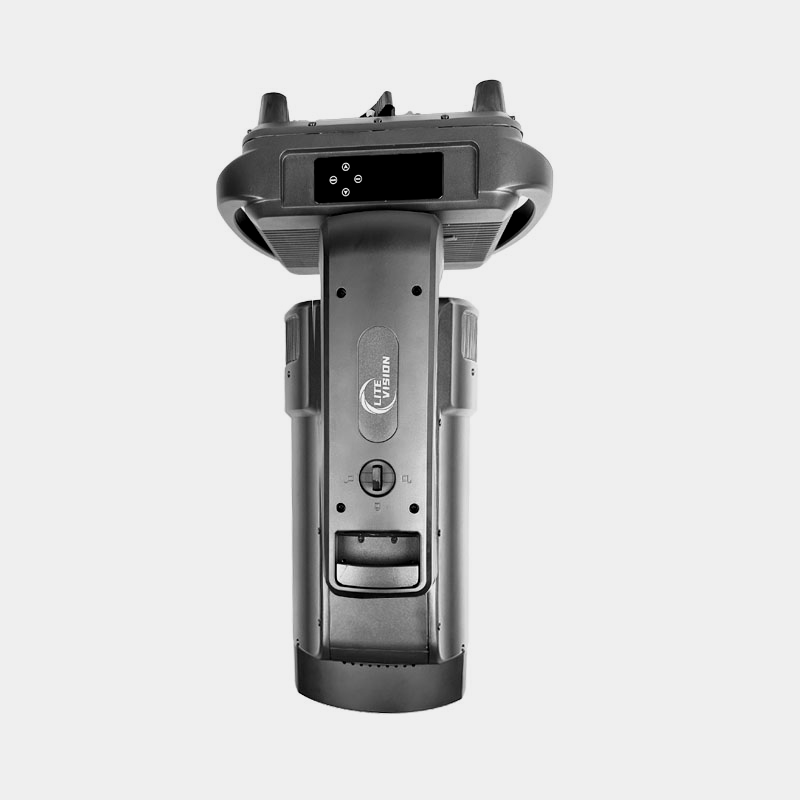
- Integrated carrying handles assist handling but should not be treated as suspension points unless the installation instructions expressly permit it.
- Establish the full movement envelope before securing adjacent fixtures or scenery.
- A beam moving head light needs clearance for the housing and yoke throughout the programmed travel, with cables routed so they cannot snag, tighten or enter moving parts; check continuous-movement settings against the operating instructions.
- Match the power inlet, signal connectors, pin assignments, grounding and cable requirements to the supplied unit.
- Obtain a wiring diagram from your bsw moving head light supplier before preparing adapters, and use the prescribed sealing arrangements for exposed connections; an enclosure rating alone does not establish the suitability of every cable assembly.
- Patch the dmx moving head light with the channel mode and fixture profile that match its installed firmware.
- Test parameter direction, fine control, addressing and supported RDM functions on the actual console before programming the full rig; protocol support does not establish that every console profile has been verified.
- Rehearse the moving head wash light transitions alongside the rest of the lighting system.
- Check cue timing, blackout behavior and the response of each programmed parameter, then save the working console patch and fixture settings so the setup can be reproduced.
Applications & Companion Lighting
- Concert stages can use an outdoor moving head light for choreographed entrances, musical accents and changes between sections of a performance.
- Keep performer illumination on a separately planned system so effect cues can change freely without disrupting visibility on stage.
- Rental productions can assign a beam moving head light to aerial architecture above the performance area.
- Pair it with dedicated broad-coverage fixtures when the design also needs a consistent base layer across a large stage; this lets the hybrid concentrate on changing visual detail.
- Theater and school productions can use a moving head spot light for scenic textures, transitions and background effects.
- A dedicated profile fixture remains useful where the design requires controlled framing around doors, scenery or acting areas.
- Theme-park and architectural shows can place moving effects within a scheduled nighttime sequence.
- Review sightlines, neighboring properties and the permitted projection direction with the site operator, and coordinate dynamic cues with the fixed architectural lighting.
- Television and recorded productions can use the fixture for background effects after a rehearsal with the intended cameras and microphones.
- Check camera response and operating noise in the actual recording setup before specifying it for a noise-sensitive or on-camera task.
Routine Maintenance
- Disconnect the moving head laser light from its power supply and allow it to cool before external cleaning or inspection.
- Follow the operating manual for isolation and access procedures, and leave the source module and internal optics to trained service personnel.
- Remove loose dust from the front optical surface before wiping it.
- Use the lens-cleaning method specified in the manual, avoiding abrasive materials or an unapproved solvent that could damage optical coatings.
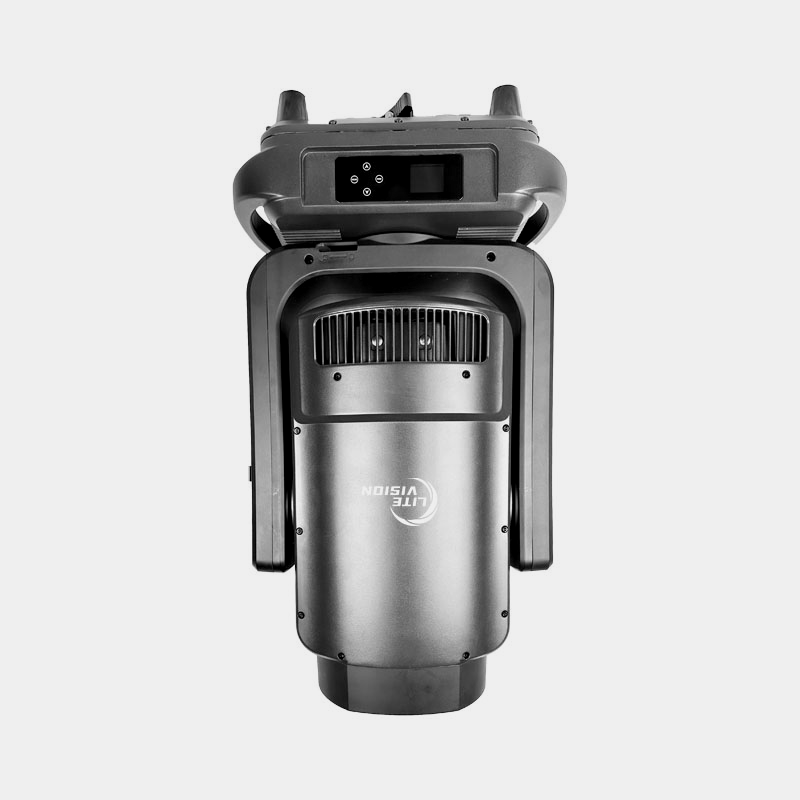
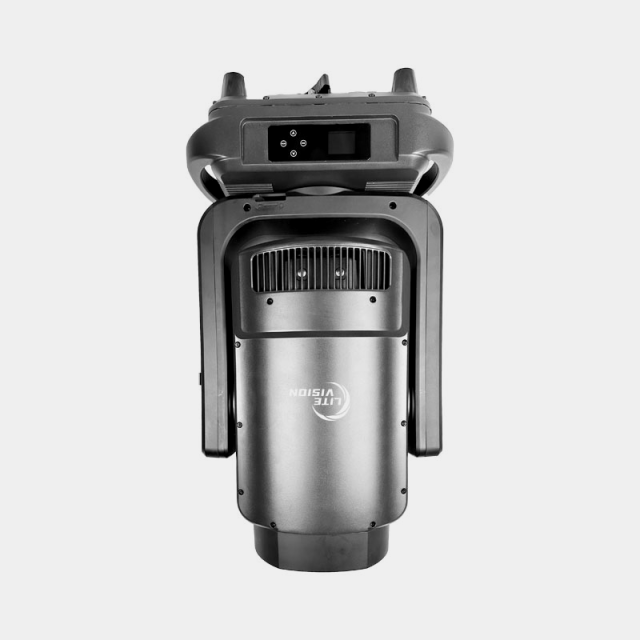
- Keep the rear and housing ventilation grilles clear of accumulated dust and debris.
- Clean externally without pushing contamination into the housing, and preserve the airflow space required by the installation instructions.
- Inspect accessible seals, connector caps, cable jackets, fasteners and handling points for damage.
- A cracked seal or damaged cable calls for attention before further exposed operation; avoid opening sealed assemblies simply to perform routine cleaning.
- Record the firmware version and relevant settings before troubleshooting a dmx moving head light.
- Describe the symptom, affected parameter and conditions under which it occurs so a control issue can be distinguished from a mechanical or optical fault.
- Match replacement components and service instructions to the installed hardware revision.
- LITEVISION can discuss product maintenance questions as your bsw moving head light supplier; do not assume that a similarly named fixture uses interchangeable internal parts.
Downloads & Technical Documents
Console patching requires a channel chart that matches the fixture's operating mode and firmware. Use the Downloads area for available files, and request any additional documents needed for the Archi BSW260Laser installation rather than treating a general product brochure as a complete technical package.
A model-specific specification sheet should distinguish electrical input, source-module rating and measured optical performance. Technical review with LITEVISION, your bsw moving head light manufacturer, can also identify which drawing revision applies to the unit being installed.
The operating manual should cover mounting orientation, approved rigging arrangements, connection diagrams, movement settings and service access. Keep the relevant instructions available to the technicians responsible for the installation rather than relying solely on a dimensional summary.
A complete DMX channel chart and matching console-library entry are separate documents. Obtain the parameter definitions, control ranges and any software-version notes needed for the intended console; a familiar fixture name in a library does not establish a matching control map.
Photometric data should identify the measurement distance, optical setting and test conditions. A moving head wash light effect needs coverage data relevant to the intended working area, while any comparison of fixtures should use equivalent settings rather than source wattage alone. Request an applicable photometric file or measurement report before assigning a required illumination level or projection distance.
Market-specific compliance documents need to identify the exact model and the requirements relevant to its destination and use. Review the applicable electrical, environmental and optical-source safety information without treating a protection rating as a substitute for those documents.
Source-life information should identify the installed module, test conditions and the criterion used to define end of life. Include this document in the technical package requested from your bsw moving head light supplier when operating-hour planning is important.
Warranty & Fault Handling
- Before ordering Archi BSW260Laser fixtures, ask us for the written warranty duration and the event that starts the warranty period.
- Keep those terms with your order documents so your purchasing and maintenance teams use the same dates.
- Ask us to specify which components and costs the warranty covers, including the source module, optical assemblies, motors, control electronics, parts and labor.
- Check any operating, maintenance or environmental conditions attached to that coverage.
- For a fault report, provide the fixture identification, purchase details, operating conditions and a clear description of the symptom.
- Include photographs or video where useful; for a control fault, also record the firmware version, selected channel mode and console setup.
- Agree on the service arrangement before removing components or returning a fixture.
- Ask whether the proposed response involves troubleshooting, a replacement part or workshop inspection, and who should carry out any repair that requires opening the housing.
- Request the return and exchange conditions separately from the repair warranty.
- Clarify eligibility, reporting deadlines, required authorization and whether an accepted claim leads to repair, replacement or a refund; these remedies should be stated in the agreed terms.
- Establish responsibility for packing, collection, freight, customs charges and return shipping before dispatching equipment for inspection.
- For delivery damage or a disputed defect, retain the packaging and relevant photographs, and ask us to confirm the inspection process and next steps in writing.
Scenic Projection Tests
- Test a finished scenic sample before treating a plain white rehearsal screen as representative.
- Include the actual paint, fabric, coating or printed finish so the trial reflects the surface your audience will see.
- Establish a clear baseline with one stationary gobo and a white output, then run the intended color and animation cues.
- This helps you distinguish details lost in the scenic finish from changes introduced by the programmed effect.
- Run the test with the surrounding show lighting switched on.
- A pattern that reads clearly in a dark rehearsal room may lose definition when architectural lighting, scenic washes or other fixtures illuminate the same surface.
- Include joints, folds and openings in the test area.
- Panel seams can interrupt lines, fabric folds can break up an image, and gaps allow part of the pattern to pass through to objects behind the scenery.
- View the result from the audience positions that matter to the production.
- Check whether the pattern remains recognizable from the back of the venue and whether reflective finishes create bright patches from particular seating areas.
- Photograph successful tests with the scenic finish, fixture settings and surrounding lighting recorded together.
- For outdoor scenery exposed to rain, compare dry and wet samples where practical; a wet finish can change reflections and alter the appearance of a previously approved cue.
Technical Support & Model Matching
LITEVISION brings together more than 30 engineers who have worked in the industry for an average of 15+ years. Share your purchasing requirements and the models you are considering to discuss the available options with our team. We provide product maintenance and technical support, with customer service staff available to answer your questions and help address issues. Whether you are comparing options before ordering or need assistance after purchase, contact us with your technical questions and maintenance concerns.
The expected LED service life is 12000 hours, based on data provided by the light source supplier.
FAQ
Can this moving head laser light draw scanning laser graphics?
Scanning laser graphics are a separate capability; the Archi BSW260Laser should not be specified as a vector graphics projector. Its laser light source does not by itself provide the ability to trace arbitrary artwork.
Moving the fixture head directs the output around the performance space. Drawing a graphic requires a scanning system that traces points and lines within the image, typically using dedicated scanning mirrors.
For animated outlines, readable laser text or logos traced point by point, choose a projector with explicitly supported vector graphics playback. A reference animation or sample artwork helps establish whether the proposed equipment can reproduce the required content.
Artwork playback also depends on compatible file formats, software and a graphics control interface. Check those requirements together before choosing equipment for a content-driven show.
For productions combining stage lighting with laser graphics, plan the graphics projector as a separate part of the rig. Coordinate its content cues with the lighting sequence during programming and rehearsal.
Audience scanning is another separate requirement and needs a specialist assessment of the equipment, exposure limits and operating conditions. Head movement alone does not establish that a fixture is suitable for directing laser output toward an audience.
What power supply and operating conditions does the Archi BSW260Laser require?
The fixture accepts AC100–240V at 50–60Hz, has a rated fixture power of 350W and is specified for a working environment of -10°C to 65°C. Its light source is a 260W laser module, and the fixture carries an IP66 protection rating. Use the 350W fixture rating when assessing electrical requirements, alongside the stated supply voltage, frequency and operating temperature range.
Can this fixture provide both narrow beams and diffused scenic color?
The Archi BSW260Laser combines a 0.6–28° optical range with light and heavy frost that can be superimposed. This gives designers options for tightly defined beams, wider projections and diffused scenic color within programmed sequences. Two prism wheels add eight effects, bidirectional rotation and superposition for layered beams, while 0–100% linear dimming controls intensity through fades and blackouts.
Which control protocol and channel modes does this fixture support?
The fixture supports DMX512 control, RDM and selectable 22CH or 27CH modes. Programmers also have 0–100% linear dimming and 1–25Hz strobe effects, including pulse, synchronized and random effects with slow, medium and fast selections. These controls support programmed fades, blackouts and rhythmic accents, while the two channel modes provide a choice of control configurations.
What color and gobo options are included, and are the rotating gobos replaceable?
The fixture includes CMY continuous color mixing, 19 fixed colors plus white, 12 replaceable rotating gobos plus an open white position, and 35 fixed gobos plus an open white position. The rotating wheel supports gobo shake, while the fixed wheel adds forward and reverse scrolling. Before changing patterns, check gobo dimensions, thickness, material and orientation against the operating instructions.
Will a moving head spot light look the same on every backdrop?
Surface color, reflectivity and texture change the apparent contrast of projected patterns. Pale matte scenery generally preserves pattern detail more clearly than dark, glossy or uneven surfaces, so test the actual scenic finish during rehearsal.